
CAD 4 War Unity Source Code
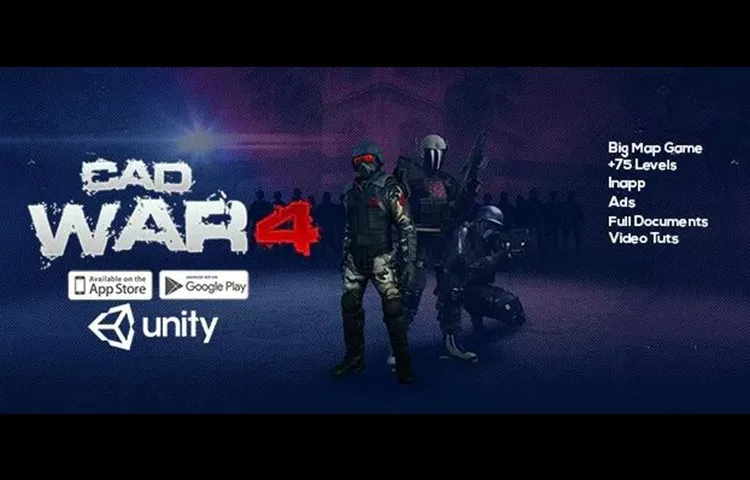

About This Source Code
Description :
–CAD-4 is your ultimate solution for creating ANY FPS game. It is a professional, kinematic character controller designed to include the smoothest first person controls and to excel in all areas: PC, mobile, console, AI, networking.
Mission: +75 Levels + 5 Big Environments + Camera Filters Shader +270 Effects!
Main Menu Overview :
Project View Demo:
– Kinematic Character Controller
– First Person Camera Controller
– Dynamic Gravity System
– Advanced Moving Platform System
– Extensible Ability System
– Supports Dual Wielding
– Procedural Spring Animations
– Visible Trajectory Curve
– Inverse Kinematics (IK)
– Wide Variety of Shoot able Weapons
– Dynamic Effects with Surface System
– Virtual Controls
– Pickup Objects
– Damage System
– Spawn System
– Object Pooler
– Build Characters and Items in Seconds
– AI Integration with Behavior Designer
– Tutorial Videos
Level Selection Overview:
Integrations
– A* Pathfinding Project
– Adventure Creator
– Behavior Designer
– Control Freak
– DestroyIt
– Dialogue System
– Easy Touch
– Final IK
– FPS Mesh Tool
– InControl
– Playmaker
– Quest Machine
– Rewired
– UMA
GAME UI/UX NGUI is a very powerful UI system and event notification framework.
Features
– Editor integration, WYSIWYG
– Localization, data binding, delegates, events
– Supports all platforms
– Make UIs that take 1 draw call
– Comes with full C# source code
– Extensively optimized
– Dedicated support
Features :
Unity 2018
64-bit
Ready to Release.
Optimized for iOS and Android.
Admob ads Integrated.
Tutorial :
Platform :
Unity 2018.4.35f1
Demo :
What's Included
- Full Unity source code (clean & well-structured)
- AdMob integration (banner, interstitial, rewarded)
- Android & iOS ready for publishing
- Easy to reskin — change graphics, colors & branding
- Step-by-step documentation included
- Lifetime access & future updates
- Dedicated support after purchase
Technical Specifications
| Game Engine | Unity (compatible with newer versions) |
| Platforms | Android & iOS |
| Language | C# |
| Ads SDK | AdMob (Banner, Interstitial, Rewarded) |
| License | Single-use commercial license |
| Delivery | Instant digital download |
Frequently Asked Questions
How to Reskin & Publish in 4 Steps
Complete checkout and instantly receive a download link via email. Open the project in Unity.
Replace sprites, update colors, change the game name and icons. Follow our step-by-step documentation — no advanced coding needed.
Insert your AdMob App ID and Ad Unit IDs into the config. Banner, interstitial, and rewarded ads are already wired up.
Build for Android (APK/AAB) or iOS (IPA), then submit to Google Play or the App Store. Our support team is here if you need help.
No Mac? You can still publish this game on iOS. MacFree builds, signs and uploads your Unity project to TestFlight from Windows or Linux.
See how it works →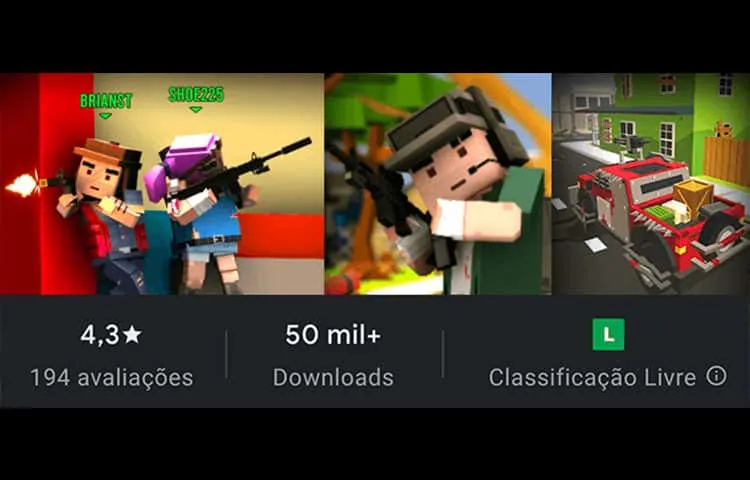
Craft Theft War – Multiplayer Shooter Game
Description : Dominate the battlefield! Enjoy a third-person shooter with…
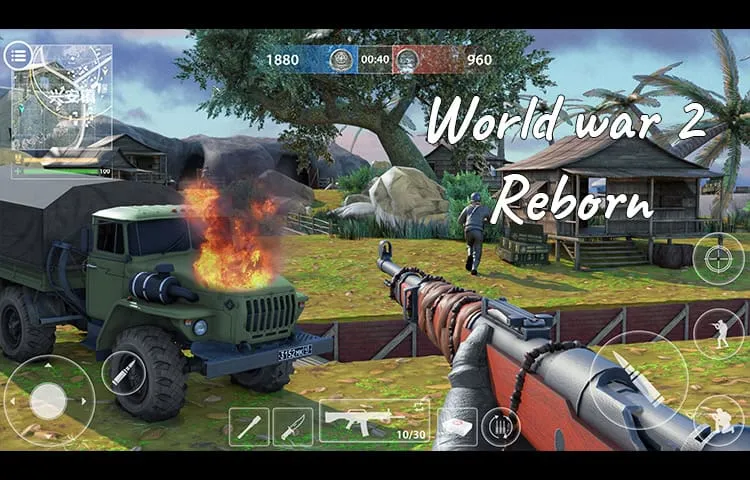
World War 2 Reborn
Description : Are you ready to take down the enemies…
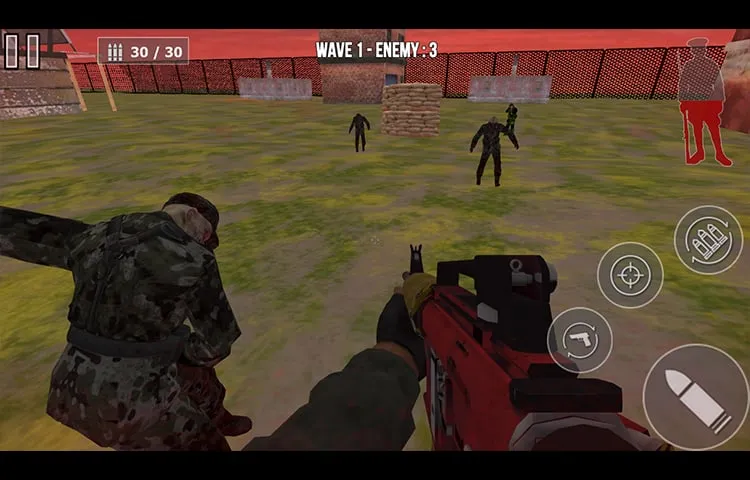
Zombie World War
Description : The virus spread like wildfire and those infected…